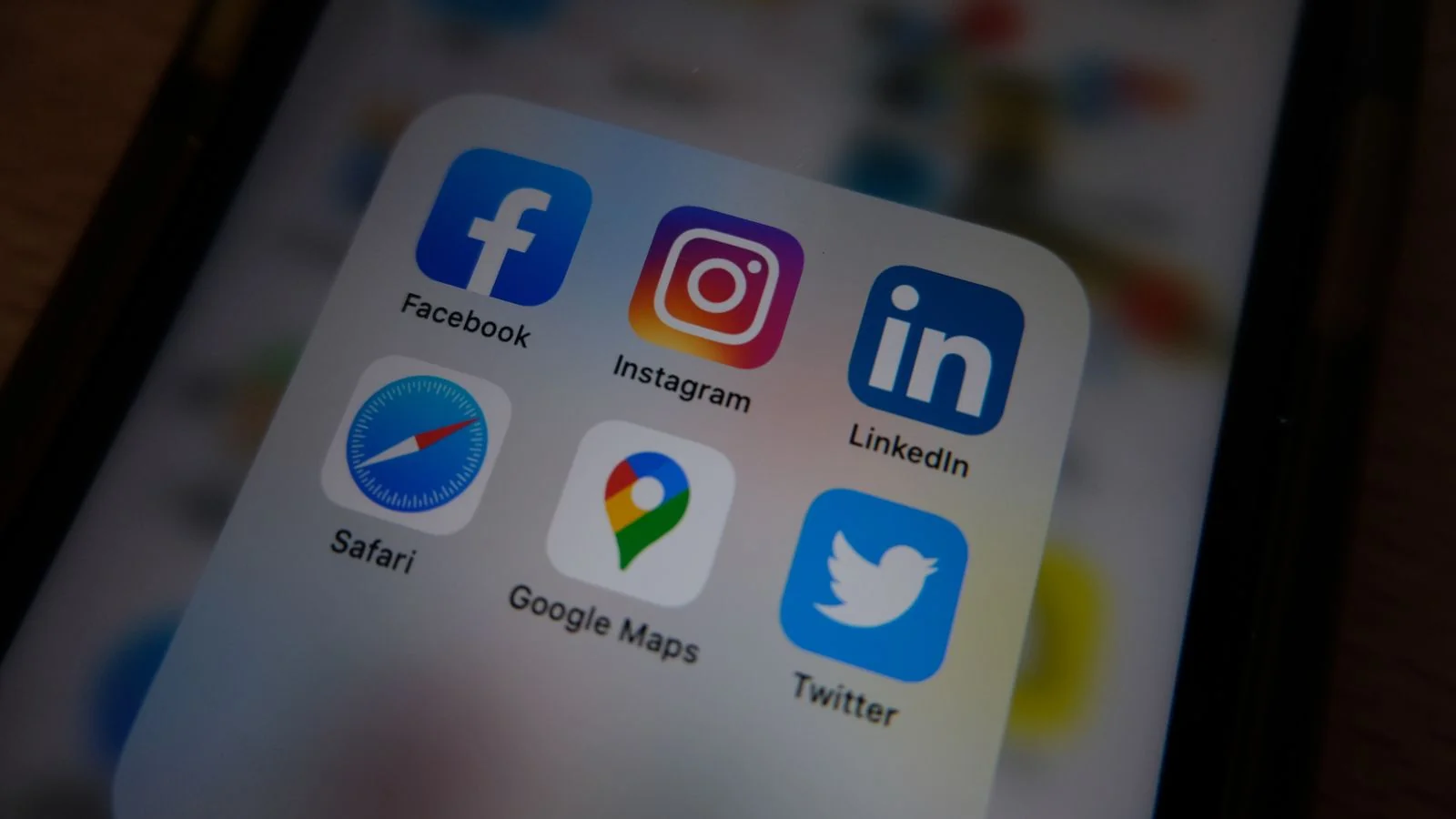
Why does your Instagram account show up in your knowledge panel while your LinkedIn, the account that actually closes deals, sits invisible? Or worse, why does the panel point to a fan account you never created? Most founders assume they forgot to paste some code into the website header. The real answer is less convenient: Google picks knowledge panel social profiles on its own, and it only adds the ones it can prove belong to you.
That proof is buildable. This guide walks through how Google makes the choice today, what its own documentation says about markup, and a five-step method for getting the right accounts listed and keeping the wrong ones out.
How Google Decides Which Profiles Show
Start with what changed. On June 25, 2019, Search Engine Journal reported that Google was phasing out its social profile markup, the structured data that used to let site owners declare their official accounts for the knowledge panel. Google said it would discover relevant profiles automatically. It also said verified owners of a claimed panel could propose profiles Google missed through “suggest an edit,” that Google checks those suggestions by looking for links to the brand elsewhere on the web, and that the order of profiles cannot be changed. Search Engine Land covered the same announcement and pointed readers to the claim flow Google had offered since 2016.
Seven years later, the logic holds. Google’s “About knowledge panels” help page says panels are generated automatically from various sources across the web, that they appear for entities in the Knowledge Graph, and that they update as information on the web changes and as verified entities send direct feedback.
So Google runs an evidence test on knowledge panel social profiles. A profile earns a slot when several independent signals agree that it represents the same entity as the panel: your official website links to it, it links back, the name and description match, and structured data or open knowledge bases connect the dots. A profile drops out, or never appears, when those signals conflict. A rebrand that renamed your X handle but left the old one on your site footer can be enough to break the chain.
Two things fall outside your control. You cannot pick the order. You cannot force a profile Google has decided it cannot verify. Everything else responds to work.
Meet the PROOF Loop
I call the method the PROOF Loop, because every step produces proof Google can check. The letters run in the order you should work them.
P is Profile parity: every account you want listed uses the same entity name, a matching bio, and a link to your official site. R is Reciprocal linking: your site links out to each account from a crawlable page, and each account links back. O is Organization or Person markup: structured data on your site that lists those accounts in sameAs. The second O is Open knowledge bases: a Wikidata item, where you qualify for one, that records your official website and account identifiers. F is Feedback through the claimed panel: verifying ownership, then using Suggest edits with public URLs as evidence.
It is a loop because the steps reinforce each other. The feedback step works far better once the first four are in place, since Google’s reviewers look for the exact corroboration those steps create. And whenever you change a handle or launch a new channel, you run the loop again from P.
Fix the Profiles Before You Ask Google for Anything
Profile parity sounds trivial until you audit a real brand. Pull up every account you want in the panel and read them side by side. The display name should match the entity name in the panel title, character for character where the platform allows. If the panel says “Maya Ortiz” and your LinkedIn says “Maya R. Ortiz, MBA,” and your Instagram says “mayabuilds,” Google sees three possible people.
The bio should describe the same role or category the panel shows. You do not need identical copy, but a podcast host whose X bio says “growth hacker” and whose YouTube says “former nurse” makes the match harder.
The website field on each account should point to your official site, and to the same version of it. Pick one canonical URL, with or without www, on HTTPS, and use it everywhere.
Then flip the direction. Your site needs plain, crawlable links to each account, on the homepage footer and on an about page. A short line of text links on the about page (“Find Maya on LinkedIn, Instagram, and YouTube”) does the job and costs nothing.
Clean up the impostors while you are here. Fan pages, abandoned accounts from an old brand name, and duplicate channels compete for the same slot. Report clear impersonation through each platform’s own process, and either delete or redirect accounts you created and no longer use.
Does sameAs Markup Still Do Anything?
Yes, with a narrower job than many SEO checklists claim. Google’s Organization structured data documentation, last updated September 8, 2026, describes sameAs as “the URL of a page on another website with additional information about your organization” and gives social media and review site profiles as examples. It allows multiple sameAs URLs. The same page says Organization markup helps Google disambiguate your organization in search results and can influence which logo appears in Search and in your knowledge panel. It lists no required properties at all, only recommended ones.
Notice what the documentation does not say. It does not promise that a profile in sameAs will appear among your knowledge panel social profiles. That matches the 2019 change: markup is now a corroborating signal, one more place where you state your accounts in a format a machine can parse, rather than a switch.
For a company, place Organization markup on the homepage or an about page, with name, url, logo, and sameAs listing each official account URL in full. For an individual, Google’s ProfilePage documentation, introduced on the Search Central blog on November 27, 2023, uses a Person as the main entity and lists sameAs as a recommended property, described as “the URL to other external profiles or home pages for the profile.” That guide exists to help Google understand creators in forums and communities, and it never mentions knowledge panels, so treat it as a clean template for a Person entity on your own bio page rather than a panel feature.
Three mistakes show up again and again in audits. The first is listing accounts in sameAs that the site never links to visibly, which creates a claim with no human-readable backup. The second is shortened or tracking-tagged URLs instead of the canonical profile URL. The third is leaving retired accounts in the array after a rebrand, which tells Google to keep associating you with a handle you abandoned. Validate the markup with Google’s Rich Results Test after every change, then make sure the URLs match the ones you cleaned up in the parity step.
Put Your Accounts on Wikidata (Carefully)
Wikidata is the free, openly editable knowledge base run by the Wikimedia Foundation, and SEO practitioners treat it as one of the open sources the Knowledge Graph reads. Items there can carry an official website and a set of identifier properties for social accounts, such as Instagram username, X username, a YouTube channel ID, and LinkedIn identifiers for people and companies. Those properties give Google a structured, third-party record tying your entity to specific accounts, which is exactly the kind of corroboration the 2019 announcement described.
The word “carefully” in the heading matters. Wikidata has a notability policy, and an item for a person or company generally needs serious, publicly available references that describe it, such as coverage in independent publications. Items created by the subject with no outside sources get deleted, and a deleted item can leave the record messier than before. Disclose any conflict of interest, cite independent sources for every statement you can, and keep the item factual and dull.
If you already have an item, check its social identifiers against your cleaned up list. Stale handles from a previous brand are common, and they feed the wrong account back into the graph. Update the identifier, keep the old value only if the community conventions for that property call for it, and add a reference where one exists.
If you do not qualify for an item yet, skip this step rather than forcing it. Earned coverage is what makes the item possible, and that coverage strengthens the other steps too, since every article that names you and links to your official site adds another independent signal.
Claim the Panel, Then Suggest the Edit
Now you ask Google directly. According to Google’s help page on getting verified, you sign in to a Google Account, search for yourself or the entity you represent, and click “Claim this knowledge panel” at the bottom of the panel (on mobile, it may sit behind the menu). Google then asks you to sign in to one of the official sites or profiles it already associates with the entity. The help page lists YouTube, Search Console, Twitter, and Facebook as those options, and it falls back to asking for more information when it cannot find an associated site. Not every panel can be claimed, and local businesses are told to use Google Business Profile instead.
This is where the earlier steps pay off. If Search Console already verifies your official domain, and that domain carries the markup and visible links you just built, the claim has a straight path.
Once verified, Google’s “Submit feedback on content about you” page explains the editing flow. Sign in with the verified account, make sure Web and App Activity is on, search for the entity, and choose Suggest edits at the top of the panel. Click the edit icon next to the social profiles, and submit each change separately. Google says you can suggest new profiles or edit existing ones, and it repeats that it cannot change their order. Describe the problem in one or two plain sentences and include publicly accessible URLs that support the change: your official site’s about page that links to the profile, and the profile itself showing the link back.
That combination answers the reviewer’s real question: does the web agree with you? A suggestion that reads “Please add my LinkedIn, it is the real one” with no evidence gets the same treatment as a suggestion from a stranger. Google’s help page says reviews take a few days and sometimes longer, and that it may not make a change it cannot confirm.
If a suggestion fails, do not resubmit the same text the next morning. Run the loop again from P, find the gap (it is usually a missing backlink from the profile or a name mismatch), fix it, and wait for Google to recrawl before you try once more. When the corrections involve a brand name change or a disputed identity, it can be worth bringing in a team that does panel builds daily; Instant Press handles that work through GoogleMe, but the method above is the same one any careful operator follows.
Your next step takes about twenty minutes. Open a blank document today and list every social account you want in your knowledge panel. Next to each one, write the exact display name, the website field URL, and whether your site’s about page links to it. Every row with a mismatch or a missing link is the first fix, and every clean row is a URL ready to paste into Suggest edits the moment your claim goes through.