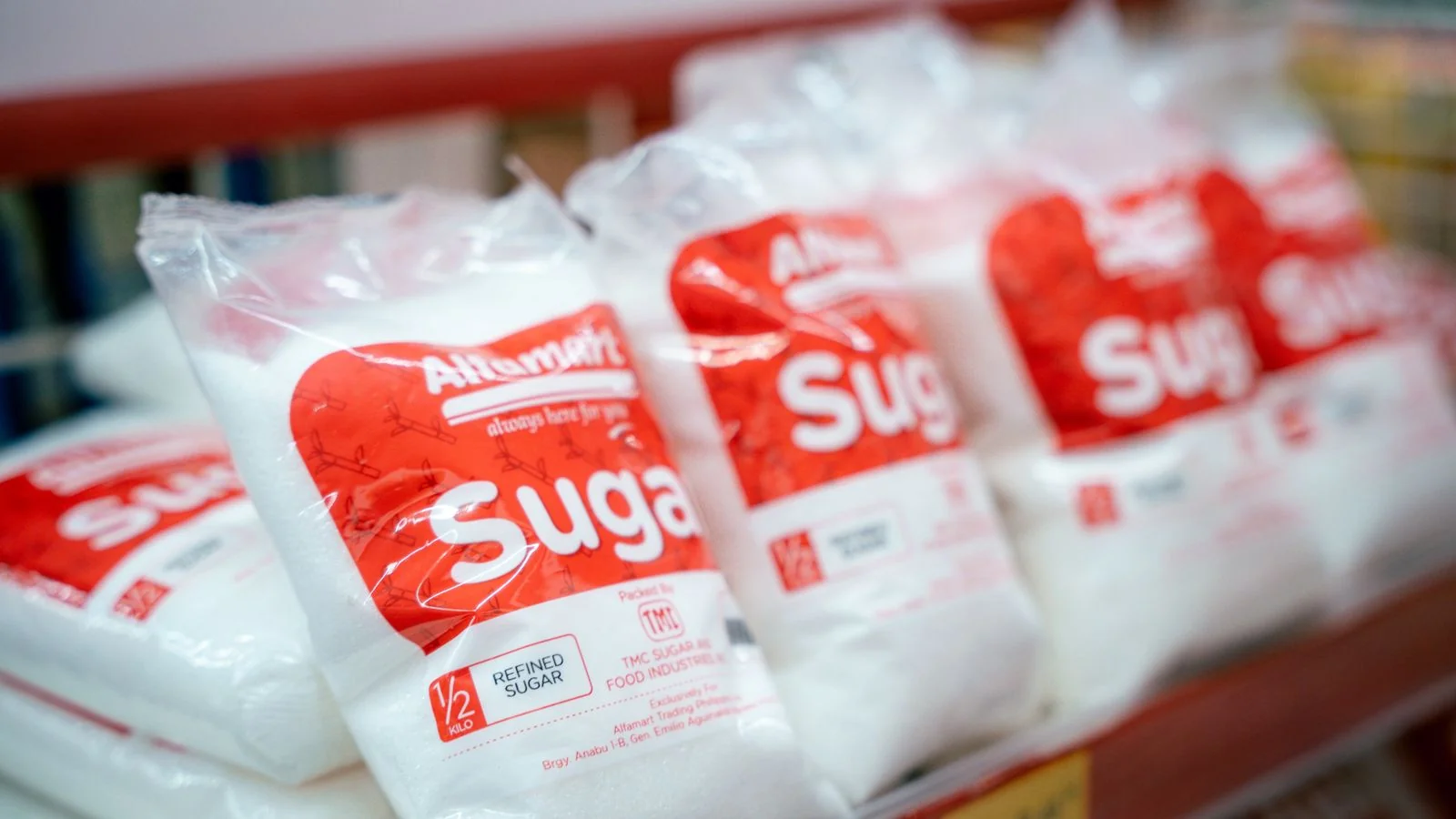
What does a shopper see when they type your product’s name into Google? If the answer is your own product page, two marketplace listings and a forum thread about something else with a similar name, you have a problem that has nothing to do with ranking. Google does not yet treat your product as a thing. It treats it as a string of words that appears on a few pages.
A knowledge panel for a product changes that. It is the box that appears beside or above the results, with images, a description, the brand, price ranges from different sellers, ratings and sometimes specifications. It signals to the shopper that this product is established enough for Google to describe it in its own voice. And because the same entity data feeds AI Overviews and shopping answers inside assistants, it decides whether your product gets named when someone asks a machine what to buy.
You cannot apply for one. You can make the decision easy for Google, and the method is less about marketing than about inventory: putting the same product, described the same way, on the shelves Google checks.
What Google needs before a product counts as an entity

Google’s systems need to answer three questions about any product before they will describe it with confidence. What exactly is it? Who makes it? And is the version on this page the same one sold on that page? Everything else, from ratings to price comparisons, depends on getting those three answers right.
The first answer comes from a unique identifier. For most physical goods that means a GTIN, the barcode number issued through GS1, which covers formats like UPC in North America and EAN in Europe. A GTIN is the single most useful fact you can give Google about a product, because it is the same number on every retailer’s listing. Two pages that share a GTIN describe the same product, whatever their titles say. If your product has no GTIN, or each variant shares one number, you are asking Google to match listings by guesswork.
The second answer comes from the brand. The brand should exist as an entity of its own, with a website, an organization record and a Wikidata item if possible. A product panel is far easier to earn when the brand behind it is already understood. Products attach to brands the way episodes attach to a show.
The third answer comes from structured data. On your own product page, add schema.org Product markup in JSON-LD. Google’s documentation for product structured data covers the properties that matter: name, image, description, brand, the GTIN or another identifier such as an MPN, and an offers block with price, currency and availability. If you have genuine customer reviews on the page, include aggregateRating and review markup that reflects them with care.
Then submit the same product data to Google Merchant Center. Merchant Center has allowed free product listings since 2020, and a product feed there gives Google a clean, verified record of the product straight from the seller. Match the feed to the page markup field for field. When your page says one price and your feed says another, Google notices.
The Shelf Test
The way I explain product entities to brand owners is with a framework I call the Shelf Test. Picture four shelves. Google walks past each one looking for your product. If it finds the same item, with the same name, identifier and brand, on all four, it has the evidence it needs. If the product is missing from a shelf, or looks different on each one, Google hesitates.
The first shelf is your own site: the product page, its markup and the Merchant Center feed behind it. This is the shelf you control end to end, so it has to be perfect. One canonical URL per product, a stable name that never changes for seasonal promotions, every variant tied to its parent.
The second shelf is retail. Amazon, Walmart, Target, specialist retailers in your category, and any marketplace that carries your product. Each listing is an independent confirmation that the product exists and is for sale.
The third shelf is reviews and editorial coverage. Customer reviews on retailer listings, product roundups from publications in your category, comparison articles and video reviews. This is where third parties describe the product in their own words.
The fourth shelf is the reference layer: Wikidata, and Wikipedia if the product is notable enough to merit an article. Most products will never qualify for Wikipedia, and that is fine. A Wikidata item for a notable product line, linked to the brand’s item, gives Google a structured record that stands outside the commercial web.
The Shelf Test also tells you where to stop spending money. A product with a flawless first shelf and an empty third shelf does not need more schema. It needs reviews and coverage. A product sold in thirty stores with inconsistent names on every listing does not need more retailers. It needs a cleanup.
To run the test, search your product’s exact name in a private browser window and in Google Shopping, then score each shelf from zero to two. Zero means the product is missing. One means it is present but described differently from your own site, with a different title, a missing identifier or an old image. Two means it is present and matches. A product scoring eight out of eight is ready for a panel and waiting on Google to recrawl. A product scoring four or below has a sourcing problem, and the low scores tell you which one to fix first. I rerun the score every quarter, because retail listings drift over time as marketplaces rewrite titles and resellers add their own versions.
Variants deserve their own pass. If you sell a product in six colors and three sizes, each combination usually carries its own GTIN, and each should link back to a parent product in your markup through a product group. Shoppers search for the product, not the size. When every variant appears as a separate, unrelated item, Google sees eighteen thin entities instead of one strong one, and none of them earns a panel.
Retail listings and reviews carry most of the weight

For most consumer products, the retail and review shelves do more to earn a panel than anything on your own site. That surprises brand owners who have spent months on their product pages, but it makes sense from Google’s side. Your site is one source saying the product exists. Fifteen retailers and a few hundred reviewers are many sources saying it.
Retail listings help most when they are consistent. Use the same product title structure everywhere, starting with the brand name and the product name exactly as they appear on your own site, followed by the variant details. Put the GTIN in every listing that accepts one. Use the same primary image, or at least the same set of images, so visual matching works in your favor. When a retailer writes its own title or description, ask your account contact to align it with yours, or update it yourself if the platform lets the brand owner edit.
Reviews carry two kinds of value. The first is volume and recency: a steady stream of ratings tells Google the product is in active use. The second is language. Reviewers describe the product in the words real shoppers use, and those words become part of how Google understands what the product is for. A water bottle described in reviews as good for hiking, dishwasher safe and leak proof gets associated with those uses.
Earn reviews the honest way. Follow up with buyers after delivery, include a card in the package asking for feedback, and make it easy to leave a review on the retailer where they bought. Do not buy reviews, write them yourself or offer rewards for positive ones. Platforms remove them, regulators in the United States and elsewhere have taken action against fake reviews, and Google’s own policies treat them as spam.
Editorial coverage is the review layer with the most authority. A product roundup in a respected publication in your category, with the product named exactly and linked to its official page, does a great deal for an entity. Send products to reviewers who cover your category, pitch them a specific angle rather than a generic launch, and accept that some will not cover it or will be critical. An honest review still confirms the product exists.
When the panel shows up wrong, fix the shelves first
Sometimes the panel arrives and it is not what you hoped for. It might show a competitor’s image, an old price, a discontinued variant or a description that belongs to a different product with a similar name. The instinct is to complain to Google. The better move is to find which shelf is feeding the wrong data.
Start with the identifier. If the panel mixes your product with another, check whether any retailer has listed your product under the wrong GTIN, or listed a different product under yours. That single error can merge two entities. Then check the images: an outdated hero image on a large retailer can outweigh the new one on your site. Then check the title and the brand field across the major listings.
Once the sources are fixed, use the feedback link on the panel itself to report what is wrong. If the brand already has a verified knowledge panel, the person who claimed it can suggest edits through Google’s verification process, which supports accounts such as Search Console and YouTube. Google reviews these suggestions against the sources it trusts, so a change backed by your shelves has a far better chance than one backed only by your request.
Discontinued products deserve a mention. If you retire a product, do not delete its page and let every retailer listing vanish at once. Mark it as discontinued in your markup and feed, redirect the page to its successor if one exists, and keep the record coherent. Otherwise the panel for the old product can linger with broken links and wrong prices, confusing shoppers looking for the new one.
Price errors follow the same logic. A panel that shows a price range far below your list price usually means a reseller or a gray-market listing carries your GTIN at a discount. Find that listing, report it to the marketplace if it violates your agreements, and make sure your authorized retailers outnumber it.
The shelves never stay stocked by themselves. New retailers write their own titles, old listings drift, and reviews slow down when you stop asking. Which of your four shelves would fail the test if Google walked past it today?