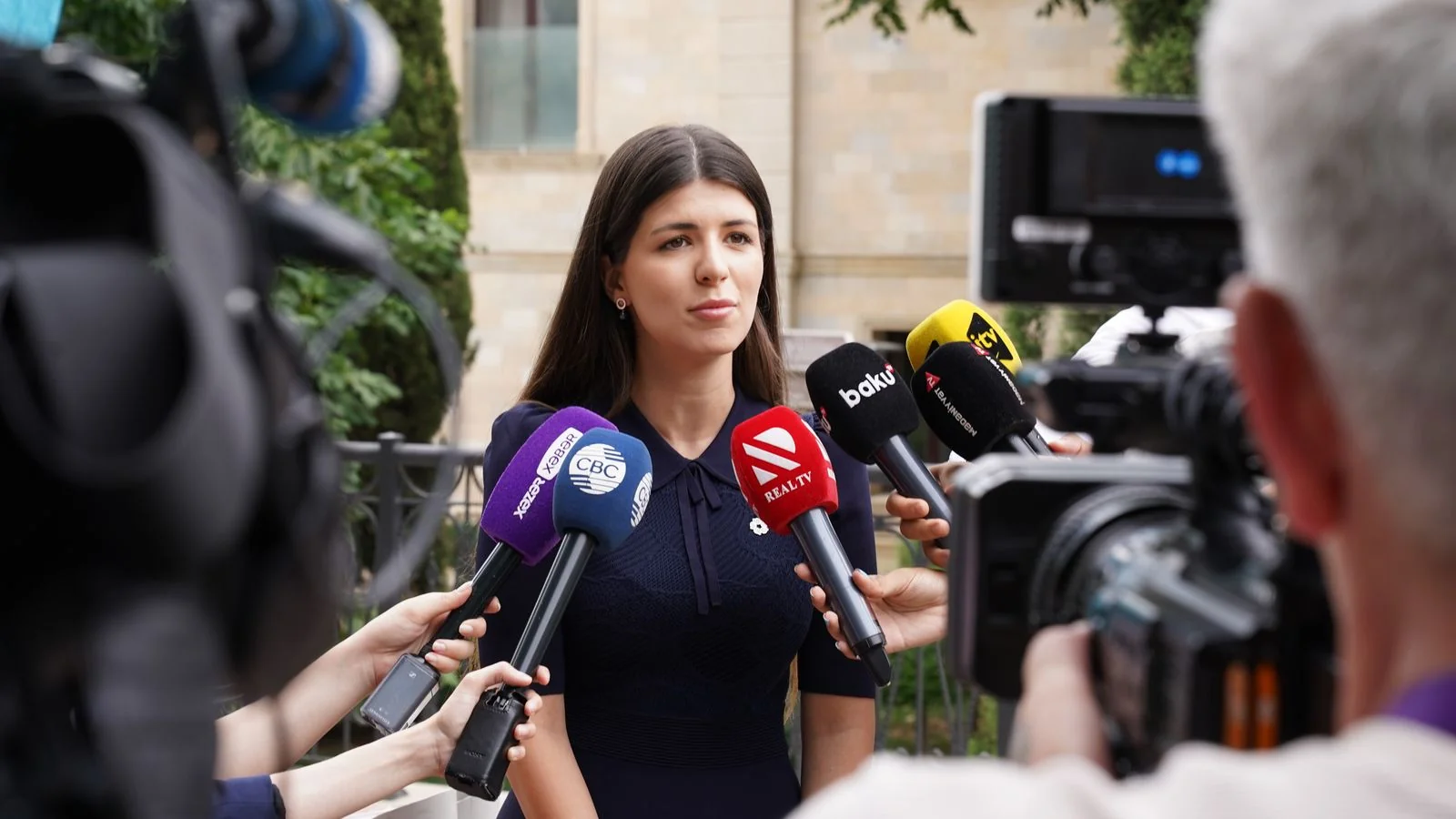
Press releases that include multimedia assets consistently outperform text-only versions in journalist pickup rates and total media impressions, according to industry research from PR Newswire and Business Wire spanning multiple years of distribution data. That finding has held across news cycles, industry verticals, and release types. Yet most brands still distribute walls of text with a logo attached and wonder why their coverage rate stagnates.
The reason is not that journalists dislike text. It is that a press release without visual assets creates extra work. A reporter at a regional outlet with one-person editorial staff cannot run your story if they have nothing to show their editor. A content producer scanning 200 pitches this morning will skip your release and grab the one with a ready-to-embed image. Multimedia does not just make your release prettier. It removes friction from the publication decision.
This guide walks you through a specific framework for building and sequencing your assets so your multimedia press release goes out fully armed.
Why Most Press Release Images Fail Journalists
The most common mistake PR teams make is treating imagery as an afterthought. They attach a small, compressed logo file and call it done. That approach misses what journalists actually need: publication-ready photos at print resolution, clean backgrounds, usable composition, and licensing terms that allow republication without a phone call to your legal team.
A photo that works for your social feed often fails for editorial. Social images get cropped to squares or vertical formats, contrast-boosted, and overlaid with text. Editorial images get dropped into horizontal layouts, sometimes printed, and attached to bylined stories where image credit matters. The technical requirements differ. A 1080x1080 JPEG at 72 DPI gets rejected by a print desk before anyone reads your release. A 3000x2000 JPEG at 300 DPI gets used.

Resolution is only one variable. Composition matters more than most PR teams acknowledge. An executive headshot taken on a phone in a hallway, cropped tight to the face, gives an editor almost nothing to work with. The same person photographed at mid-torso with negative space on one or both sides gives an editor a portrait they can use across formats. Think about how the outlet will actually place the image, not how it will look in your email preview.
The Press Release Asset Stack Framework
The Press Release Asset Stack is a three-layer model for building multimedia into your release with intention rather than improvisation. Each layer serves a distinct editorial function, and each builds on the one below it.
The first layer is the Foundation layer: a single hero photograph at print resolution. This is the image that will appear in the article if an outlet uses only one visual. It must carry the story on its own. A product launch gets the product in context. A partnership announcement gets both executives shaking hands or seated together. An event gets the venue or a signature moment. The Foundation image has one job: make the story immediately legible to a reader who has not yet read a word.
The second layer is the Context layer: two to four supporting assets that give editors options. These can be additional photographs showing different angles or moments, a short B-roll video clip (60 to 90 seconds), or a data graphic that visualizes a key claim from the release. The Context layer matters most for outlets that publish multiple images per story, for video-forward publications, and for stories that contain statistics a visual could express more clearly than a paragraph.
The third layer is the Infrastructure layer: the materials journalists need to use your assets without contacting you. This means a media kit link (not an attachment), an image caption document, clear usage rights language, and a named press contact who responds within two hours. Many releases succeed on the strength of their Foundation and Context assets but fail at Infrastructure because the licensing terms are ambiguous or the download process requires a form fill. Remove every step between the journalist and the file.
What Format and Specs Actually Get Used
Knowing what to include is half the problem. Knowing the format specs that outlets actually accept is the other half, and this is where a lot of otherwise solid multimedia press releases fall apart.
For photographs, submit JPEG format at 300 DPI minimum for print eligibility, with a longest edge of at least 2400 pixels. For web-first outlets, 1920 pixels on the longest edge at 72 DPI is acceptable, but the higher-resolution file gives you optionality. Name your files descriptively: CompanyName-ProductLaunch-CEO-Portrait-001.jpg, not IMG_4829.jpg. An editor pulling from a shared drive at 10pm on deadline does not have time to open each file to see what it contains.
For video, H.264 MP4 is the universal editorial standard. Most broadcast-affiliated outlets will not accept MOV files from a PR pitch without converting them, and that conversion step gets skipped. If you have b-roll, submit it without music or voiceover so producers can use it freely. Caption your spokesperson clips but also provide a clean version. Resolution should be 1920x1080 minimum; 3840x2160 (4K) is increasingly standard for TV-adjacent outlets.
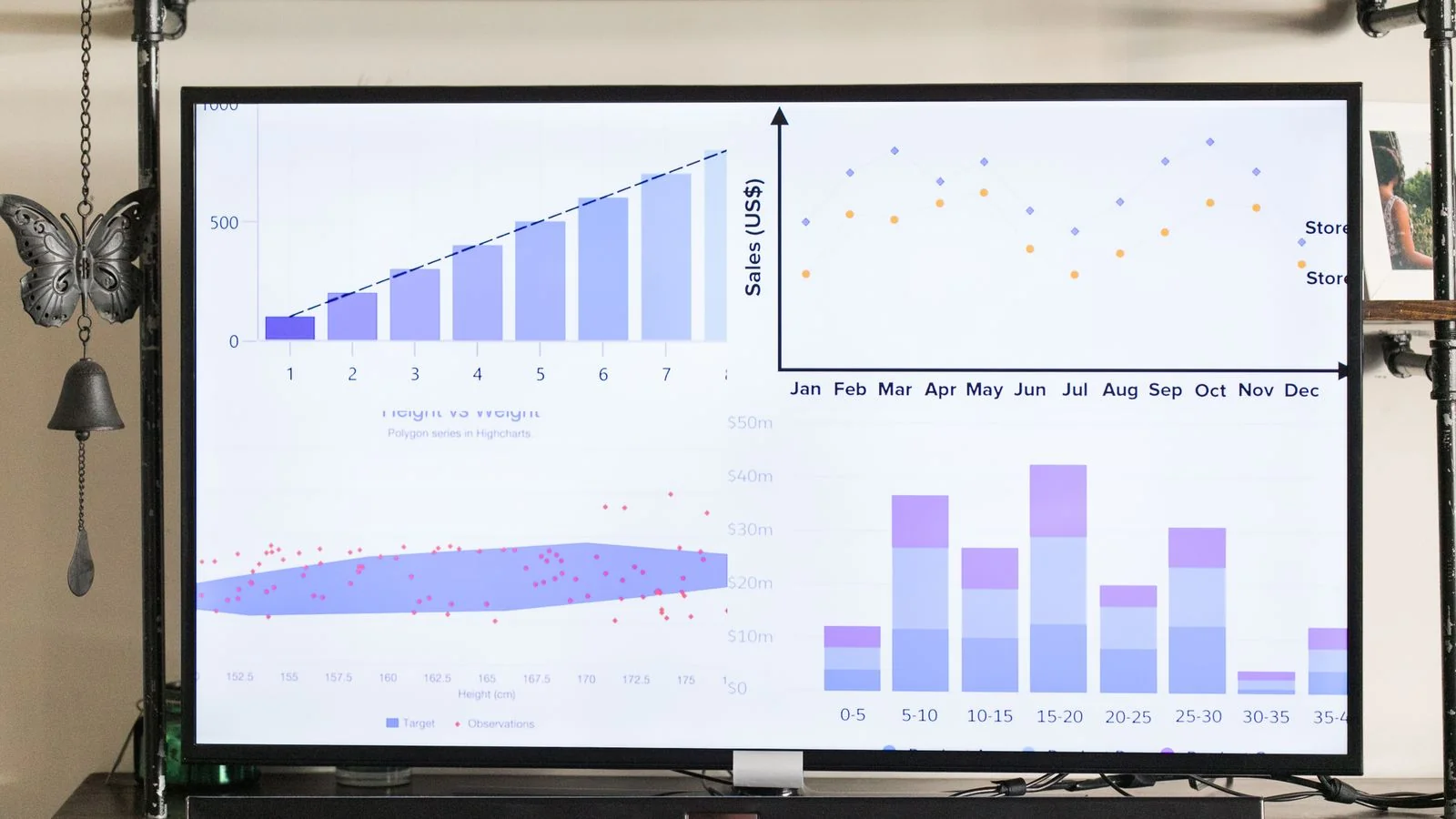
For data graphics and infographics, provide both a high-resolution PNG (minimum 2000 pixels wide) and an editable source file if possible. Many publications redesign infographics to match their visual style. If you hand them a locked-down PDF with embedded fonts they do not have, they move on. If you give them an editable version, you just became significantly easier to work with than your competitors.
How to Distribute a Multimedia Press Release Without Losing Assets in the Chain
Distribution is where multimedia press releases most often break down. A PR team builds a strong asset stack, loads it into a wire service, and assumes the assets travel with the release. Sometimes they do. Sometimes they appear as broken links in the distributed version. The safe approach is to maintain your own hosted asset repository and link to it from the release itself, regardless of what the wire service does.
Use a shared cloud folder (Google Drive, Dropbox, or a dedicated media kit URL) with public link access that does not require a login. Journalists operating on deadline will not create an account to access your images. Put that folder link in the release body, in the boilerplate, and in the press contact signature. Three placements is not overkill.
Within the folder, organize by asset type, not by date or internal project code. A journalist looking for your CEO’s headshot should not have to open three subfolders. The structure matters: one folder for photos, one for video, one for graphics, one for written materials (bio, fact sheet, backgrounder). Label each file so it is self-explanatory when downloaded.
Timing is the other distribution variable that rarely gets discussed. If you send your multimedia press release at 4:45pm Eastern on a Thursday, the journalists who might have used your assets are already closing their browsers. Tuesday through Thursday between 9am and 11am Eastern captures the highest editorial attention for wire distributions. That window is not guaranteed, but it stacks the odds in your favor.
Measuring Whether Your Multimedia Actually Worked
Most PR teams track pickup count and call it done. That metric tells you whether journalists found your release, not whether your multimedia assets contributed. The more useful question is: what format did the coverage take?
Compare placements that included your images against placements that ran text-only. Coverage that uses your multimedia typically generates more reader engagement, more social sharing from the outlet’s own accounts, and longer article length because the journalist has more to work with. Outlets with active social media presences will tag your brand when they republish your photo, which creates a secondary distribution channel at no additional cost.
Track the usage rate of each asset type. If your video clip gets picked up by four outlets and your hero photograph gets used by twenty, that ratio tells you where to invest next time. If your infographic goes entirely unused, examine whether the data it contained was genuinely newsworthy or whether it was marketing-inflected in a way that made editorial teams uncomfortable.
The goal of the Press Release Asset Stack framework is not to maximize the number of assets you produce. It is to build precisely the right layers for each release, matching asset depth to story importance, and to deliver those assets in formats that create zero additional work for the journalist making the publication decision. Is your current press release package actually removing friction, or just adding files?