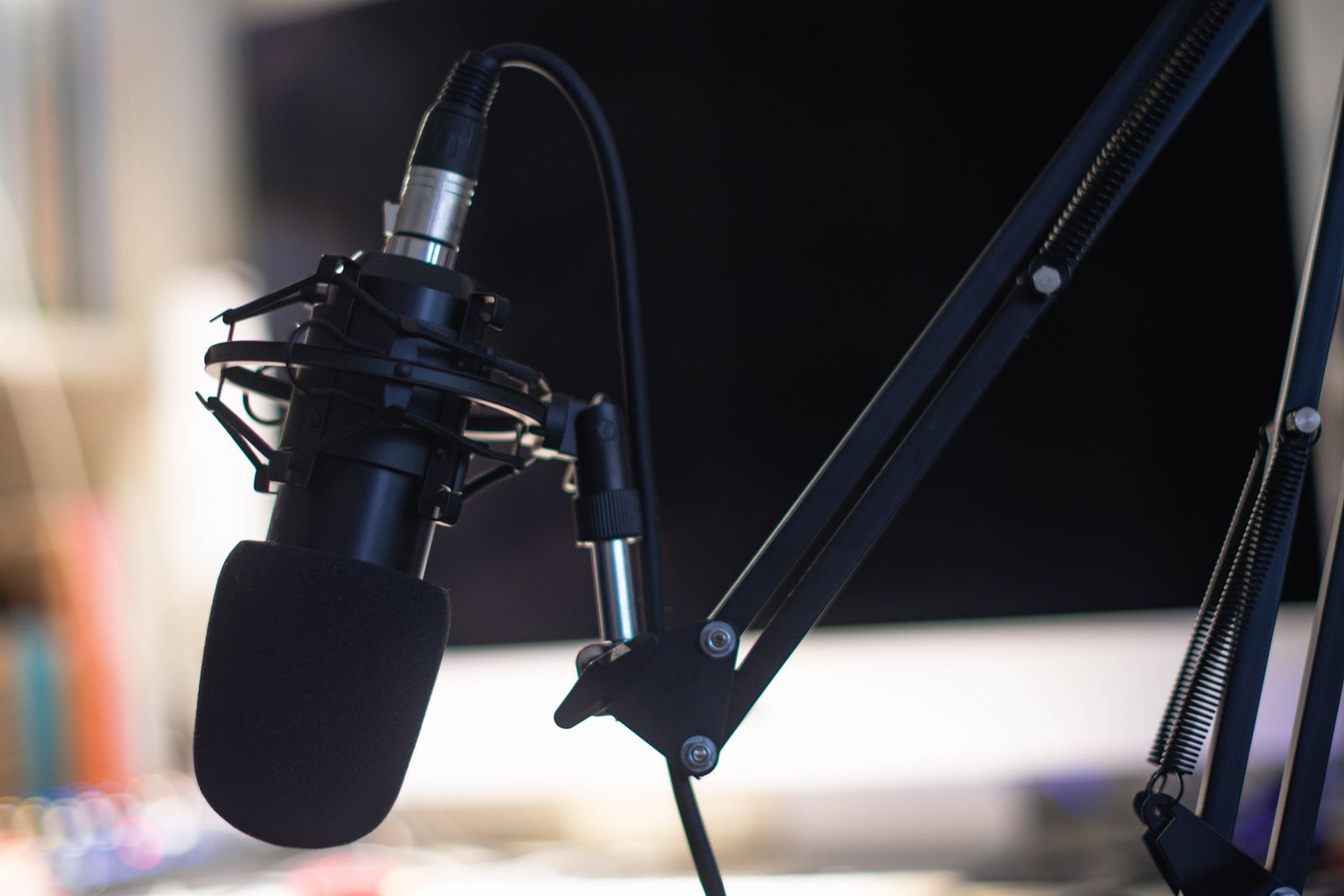
Getting your podcast into major directories is the fastest way to reach new listeners. Most podcasters leave hundreds of thousands of potential listeners untouched because they skip this critical step or do it wrong.
The difference between a featured podcast and an invisible one isn’t talent or production quality. It’s distribution. When your show lands in Apple Podcasts, Spotify, Google Podcasts, and Amazon Music, your audience grows. When it doesn’t, you’re trapped in an echo chamber.
This guide walks you through submitting to every directory that matters, exactly what each platform requires, and how to avoid the rejections that trap new shows in submission limbo.
The Directories That Drive 95% of Podcast Listening
Before you submit anywhere, understand where your audience actually lives. Apple Podcasts, Spotify, and Google Podcasts account for the vast majority of podcast consumption. Amazon Music, YouTube, and iHeartRadio matter. Everyone else is a bonus.
The top directories are free to join and will feature your podcast if it meets their technical requirements. No payola. No gatekeeping. Just submission and approval.
Your strategy should be: submit to the big three first (Apple, Spotify, Google). Get those live within a week. Then expand to the secondary tier (Amazon, YouTube, iHeartRadio, Podchaser, Pocket Casts) over the next two weeks. The long tail of specialty directories (Stitcher, Pandora, TuneIn, etc.) matter less but cost nothing to add.
What You Need Before Submitting Anywhere
Stop. Before you touch a submission form, prepare your assets. A rejected podcast takes time to resubmit. A well-prepared podcast glides through approval in 24-72 hours.
You need three things: a podcast feed, artwork that meets specifications, and podcast metadata.
Your podcast feed is the technical backbone. It’s the RSS feed that syndicates your episodes to every directory automatically. If you use a hosting platform like Buzzsprout, Transistor, Anchor, or Podbean, they generate this for you. The feed is a URL (usually something like podbean.com/podcast-feed/your-show). Verify it works by pasting it into an RSS reader. If your reader can’t parse it, directories will reject it too.
Podcast artwork is your cover image. It needs to be 3000x3000 pixels, a square (not rectangular), in JPG or PNG format, and under 500KB. Don’t overthink it. A clean, readable design that stands out in a tiny thumbnail is what works. Blur and gradients read better at small sizes than intricate illustrations.
Podcast metadata is everything that describes your show: title (60 characters max), description (up to 4,000 characters depending on platform), category, language, explicit content flag, author name, and podcast website. Write this once and reuse it across all directories. Consistency matters for search rankings.
Submitting to Apple Podcasts
Apple Podcasts is non-negotiable. It’s still the largest podcast directory by total listeners, despite Spotify’s growth.
Go to podcasts.apple.com. Click the menu and find “Submit Your Podcast.” You’ll land on the submission page. Click “My Podcasts” and sign in with your Apple ID. Create a new Apple ID if you don’t have one (free, takes 3 minutes).
Paste your RSS feed URL into the submission form. Apple validates the feed immediately. If validation fails, you’ll see an error. Common errors: feed URL is wrong, feed is misconfigured, feed hasn’t published an episode yet, or the feed header has XML errors. Check your hosting platform’s documentation if this happens. Most feed issues are fixed by refreshing the feed or waiting 30 minutes for the platform to regenerate it.
Once validation passes, Apple imports your podcast metadata from the feed. Review it. Edit anything that looks wrong (category, language, artwork). The description will pull from your feed, but you can edit it here.
Hit submit. Apple’s system processes your podcast and typically approves within 48-72 hours. You’ll get an email confirmation. Your show will appear in Apple Podcasts, searchable by name, and in category directories.
This takes 10 minutes of actual work. The approval wait is automatic.
Submitting to Spotify
Spotify is where your audience grows fastest. It has the best recommendation algorithm of any platform and heavily promotes new shows in genre categories.
Go to podcasters.spotify.com. Click “Claim Your Show.” If Spotify has already indexed your feed (because it crawls RSS feeds automatically), your show might appear here. Search for your podcast. If it’s listed, click “Claim This Show” and verify ownership. If it’s not listed, click “Create a New Show” and paste your RSS feed URL.
Spotify validates your feed immediately. It’s less picky than Apple about formatting. Paste your feed, verify your metadata looks right, and submit.
Spotify typically approves within 24 hours. Once approved, your show goes live and becomes searchable. Spotify’s algorithm immediately starts recommending it to listeners who follow similar shows.
This is the fastest approval process of any major directory. You’re usually live within a day.
Submitting to Google Podcasts
Google Podcasts is shutting down in 2024, but don’t skip it yet. Your podcast automatically appears in Google Search and Google Play Music when you submit here, and this integration is valuable for discoverability.
Go to podcasts.google.com. Click “Podcast Host?” and sign in with your Google account. Paste your RSS feed URL. Google validates the feed and pulls your metadata.
Review everything, make edits if needed, and submit. Google typically approves within 24-48 hours. Once approved, your show appears in Google Search results and Google Play Music.
After submission, whenever someone searches for your podcast by name on Google, they’ll see your show directly in the search results with episode listings and a “Subscribe” button. This is pure SEO juice for discoverability.
Secondary Directories That Still Matter
Once your big three are live, expand to Amazon Music, YouTube, iHeartRadio, and Podchaser. These directories are individually smaller but collectively add meaningful listener reach.
Amazon Music: Go to music.amazon.com and search “submit podcast.” You’ll land on Amazon’s podcast submission page. Paste your RSS feed. Amazon validates and pulls your metadata. Approval typically takes 3-5 days. Your show becomes searchable in the Amazon ecosystem and on Echo devices.
YouTube: YouTube now hosts podcasts natively. Go to youtube.com/content. Create a channel for your podcast if you don’t have one. Click “Create” and select “Upload Podcast.” Paste your RSS feed. YouTube pulls your episodes and displays them with your artwork and description. Approval is instant for YouTube channels that are already established. New channels may require verification (phone number confirmation).
iHeartRadio: Go to iheart.com/creators. Click “Add a Show” and follow the submission flow. Paste your RSS feed. iHeartRadio validates and imports metadata. Approval takes 5-7 business days. Your show becomes browsable in iHeartRadio’s podcast section and eligible for algorithmic recommendation.
Podchaser: Podchaser is a podcast search and discovery platform. Go to podchaser.com/creators. Sign up or log in. Search for your podcast. If it’s indexed, claim it. If not, create a new podcast entry and paste your RSS feed. Podchaser indexes quickly (24-48 hours). Claiming your show lets you edit metadata and track listener reviews.
Smaller Directories Worth Adding
After your top seven, consider:
- Stitcher: Go to stitcher.com/podcasters. Submit your RSS feed. Approval takes 1-2 weeks. Stitcher is smaller but still drives meaningful traffic.
- Pandora: Go to pandora.com/for-creators. Paste your RSS feed. Approval takes 5-7 days.
- TuneIn: Go to tunein.com/broadcaster. Create an account and submit your RSS feed. Approval is typically within a week.
- Pocket Casts: Go to pocketcasts.com/add-podcast. Paste your RSS feed. Pocket Casts is smaller but has a dedicated listener base.
These secondary directories add 10-15% listener reach each. Submitting to all of them takes 2-3 hours total but pays off over months.
Common Rejection Reasons (and How to Fix Them)
Rejections aren’t failures. They’re feedback. Almost every rejection is fixable.
Feed error: Your RSS feed has malformed XML or invalid tags. Fix this in your hosting platform. Check your feed URL in an RSS reader. If the reader can’t parse it, neither can directories. Most platforms have a “validate feed” button. Use it.
Artwork dimensions: Your artwork isn’t 3000x3000 pixels or isn’t a perfect square. Resize it and resubmit. This is the most common rejection. Use an image editor or an online tool like Canva to resize.
Explicit content misclassification: You marked your show as clean but it contains explicit content, or vice versa. Update your feed’s explicit tag and resubmit. Check your hosting platform’s settings.
Missing episodes: You submitted a feed with zero episodes published. Publish at least one episode before submitting. Directories need proof that you’re actively producing content.
Duplicate podcast: Your show is already indexed under a different name or feed URL. Claim the existing listing instead of submitting a new one.
Broken feed URL: You pasted a URL that doesn’t point to a valid RSS feed. Double-check the URL. Test it in an RSS reader.
Policy violation: Your podcast violates the directory’s content policy (illegal content, hate speech, explicit content not properly labeled, etc.). Review the policy. Fix the issue. Resubmit with a note explaining the fix.
Most rejections are resolved within 2-3 submission cycles. Resubmit. Wait 24-48 hours. Repeat until approved. Directories want your content. They’ll tell you what’s wrong.
What Happens After Approval
Once your podcast is live across directories, your job shifts. Submission is just the beginning of distribution.
Track your listener numbers through each directory’s analytics dashboard. Most platforms show you where listeners are discovering your show and which episodes perform best. Use this data to inform your content strategy.
Update your feed when you publish new episodes. Directories crawl RSS feeds at intervals (usually daily for major platforms). Once you’re indexed, new episodes appear automatically within 24 hours of publishing. No new submission needed.
Keep your metadata fresh. If you change your podcast title, description, or artwork, update it in your hosting platform. The change propagates to all directories within 24-48 hours.
The real work starts after approval. Getting into directories is a one-time setup task. Building an audience is ongoing. But without the distribution channels, no amount of great content matters. Submit to every directory. Let your podcast breathe.